
Garena’s popular battle royale title, Free Fire, has just rolled out its much-awaited OB50 update, and it’s already creating massive buzz among fans worldwide. Packed with exciting new features, gameplay enhancements, and character additions, the OB50 update has gone viral across gaming platforms and social media.
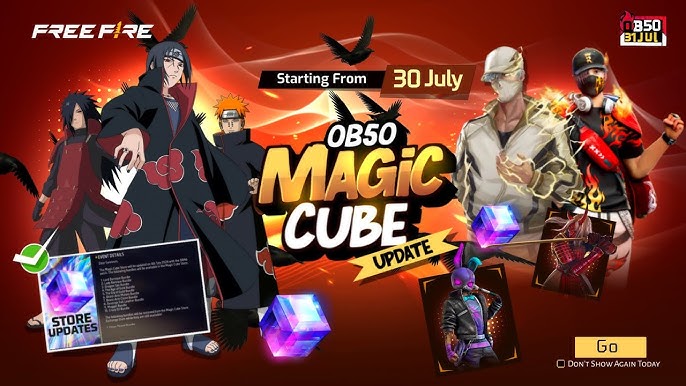
What’s New in the OB50 Update?
- New Character – Kairos:
A tactical combatant with energy shield powers, Kairos adds a fresh strategy element to the battlefield. - Revamped Interface & HUD:
The game now has a sleeker UI and a more intuitive HUD layout for enhanced user experience. - New Game Mode – Armor Arena:
A thrilling limited-time mode where players battle with customizable armor sets. - Weapon Adjustments:
Fan-favorite weapons like the M1887 and UMP have received balancing tweaks for fairer gameplay. - Improved Anti-Hack System:
Garena continues to focus on fair play with an upgraded anti-cheat mechanism. - Performance Optimization:
The game now runs smoother on low-end devices, reducing lag and improving frame rates.
How to Download Free Fire OB50 Update
For Android Users:
- Go to the Google Play Store.
- Search for “Garena Free Fire”.
- Tap “Update” (or “Install” if new).
- Make sure you have at least 2 GB of free space.
For iOS Users:
- Visit the Apple App Store.
- Search for “Garena Free Fire”.
- Tap “Update”.
- Ensure your iOS version is up-to-date for best performance.
Alternatively, users can download the Free Fire APK from the official website or trusted app portals. Always avoid third-party sites to prevent malware risks.
Why It’s Trending
Gamers are praising the OB50 update for its balance between competitive gameplay and fun content. Social media platforms like YouTube, Instagram, and X (formerly Twitter) are buzzing with update reviews, gameplay videos, and new meta discussions. The hashtag #FreeFireOB50 is currently trending across gaming forums and platforms.